Professional audio and video editing course

Professional Audio & Video Editing

Edit stories, sound and motion with Adobe Premiere Pro.

Confirm with admissionsProfessional software courseDelhi
Course overview

Edit stories, sound and motion with Adobe Premiere Pro.

A professional Adobe Premiere Pro course for aspiring video editors and content creators, moving from timeline fundamentals to professional audio, motion and colour workflows.

Develop the confidence to organise, edit, finish and export contemporary video content for multiple formats.

Download Video Editing prospectusPDF · supplied by DCOP
Duration01Confirm with admissions
Format02Professional software course
Location03Delhi
Course directionAdobe Premiere Pro · Audio editing and sound design · Motion graphics
Video Editing curriculum

What you will learn
and practise.

Explore the detailed course modules compiled from the client-supplied prospectus. Admissions can confirm the current timetable and delivery sequence.

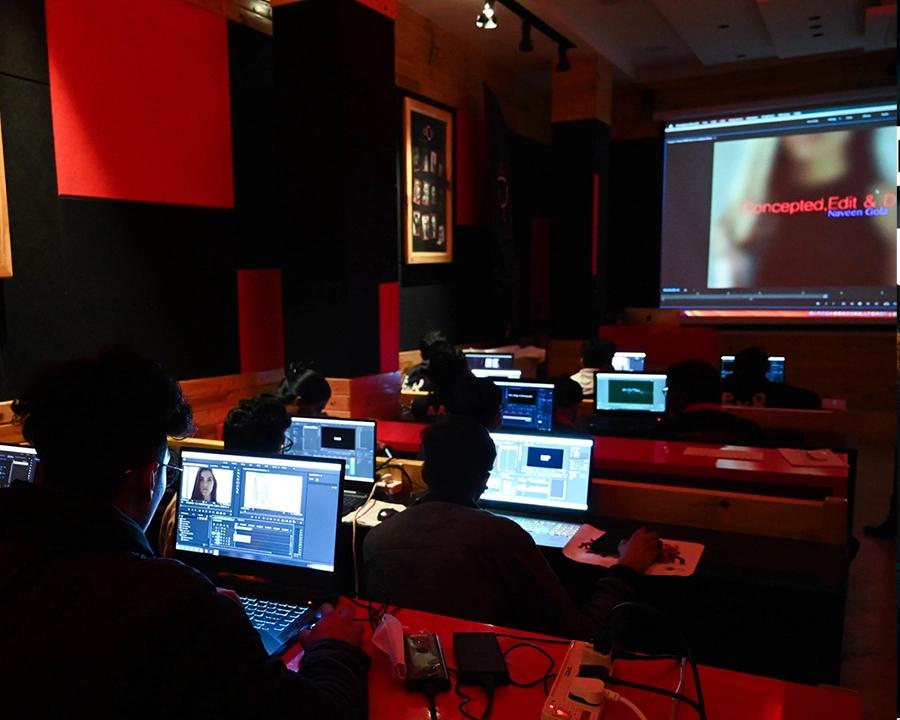
Premiere Pro fundamentals training at DCOP
Course module 01 · Video Editing

Premiere Pro fundamentals

Build an efficient foundation in Adobe Premiere Pro.

  • Interface, workspaces and shortcuts
  • Timelines, markers and trimming
  • Audio and video transitions
  • Formats, rendering and export settings
You developA faster, better-organised editing workflow.
Need the current course schedule?

Discuss the modules, batch and eligibility with admissions.

Professional course experience

Learn the workflow.
Then make the work.

Build understanding through demonstrations, guided practice and course-specific assignments rather than software or camera theory alone.

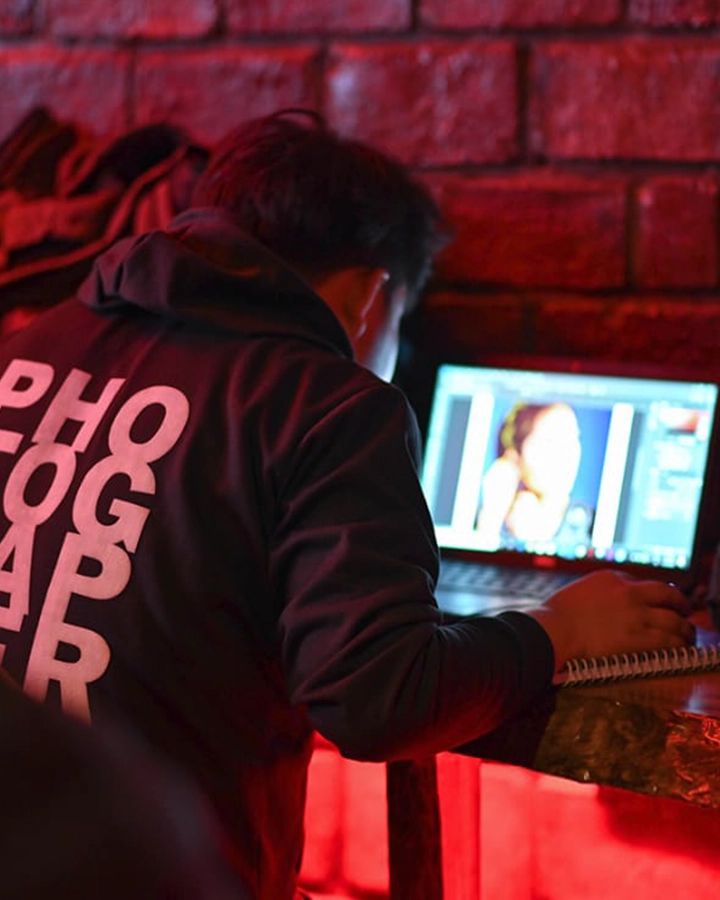
Professional Video Editing learning
Hands-on learning

Practice with guidance and feedback

Connect each technique to a practical creative decision and a finished result.

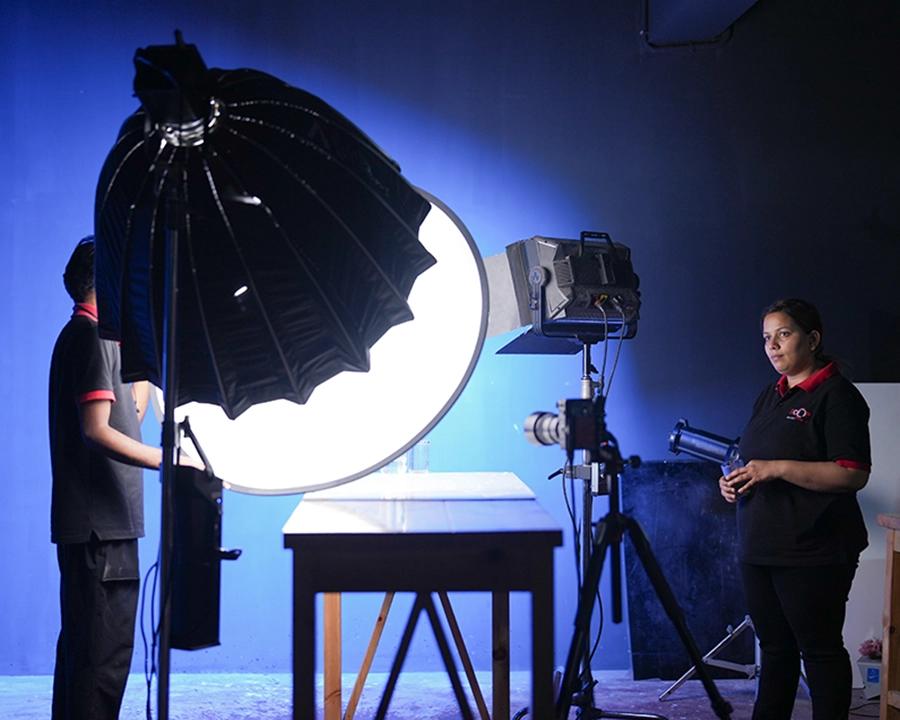
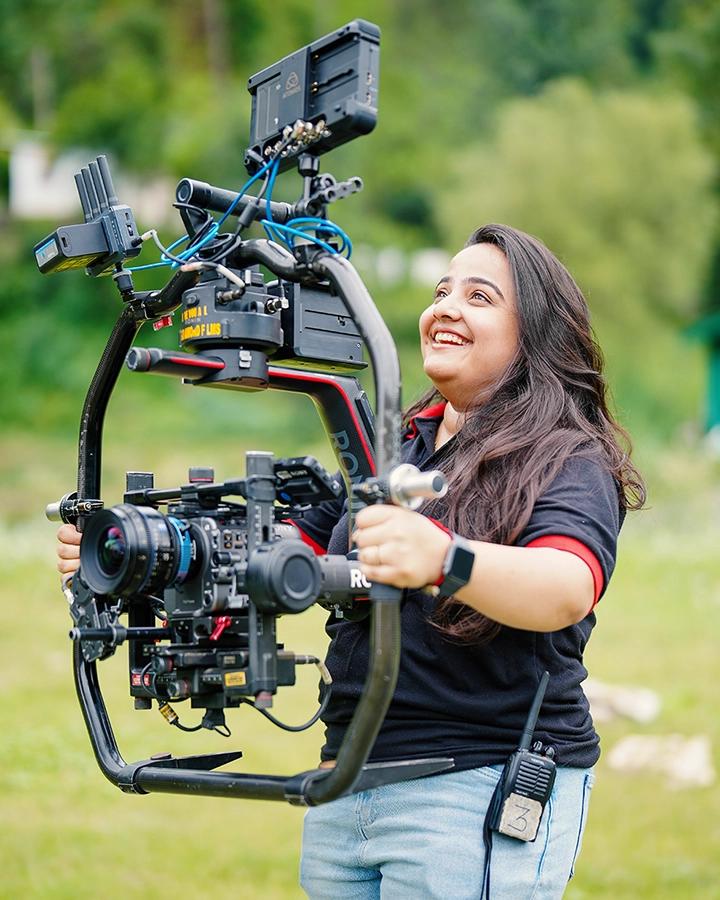
Professional equipment at DCOP
Tools and technique

Understand the production process

Students learning at DCOP
Course outcome

Develop the confidence to organise, edit, finish and export contemporary video content for multiple formats.

Photography studios, cameras & learning spaces

Professional tools.
More ways to learn.

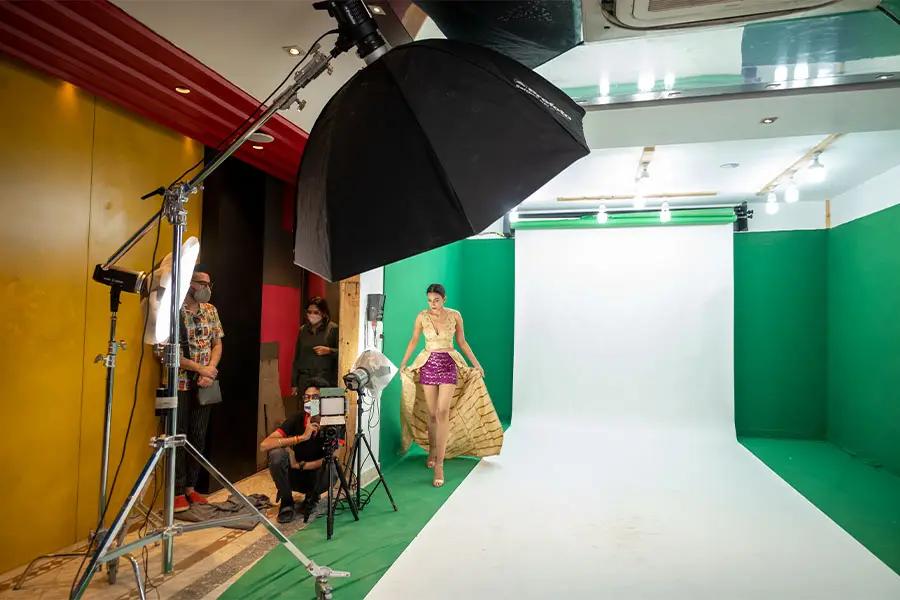
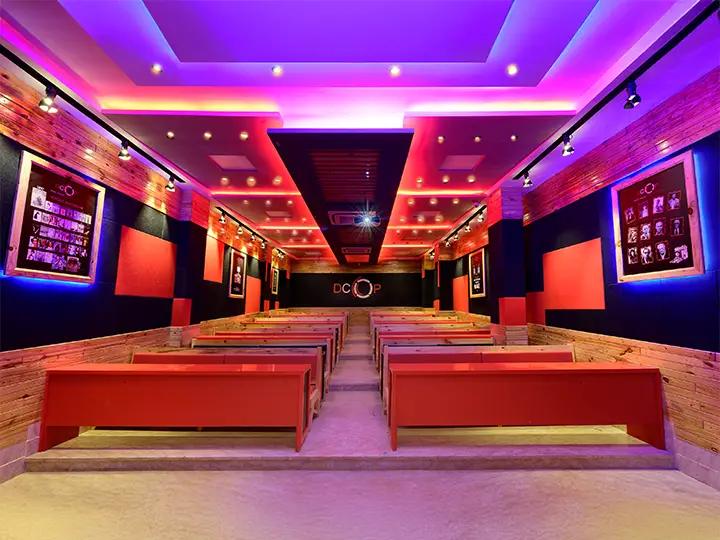
Explore the cameras, studio lighting, filmmaking equipment, classrooms and campus environments used for practical photography training at DCOP.

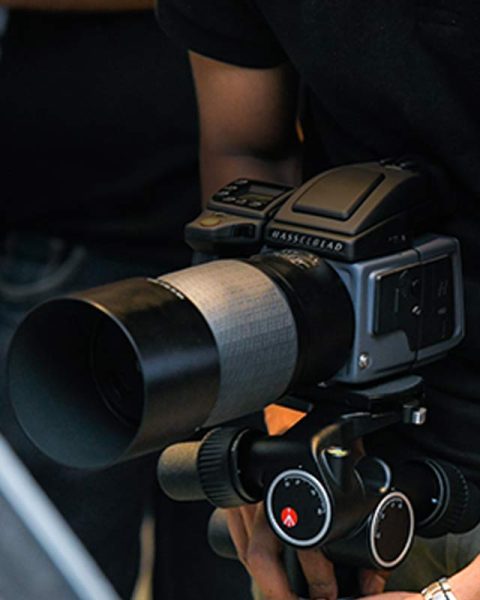
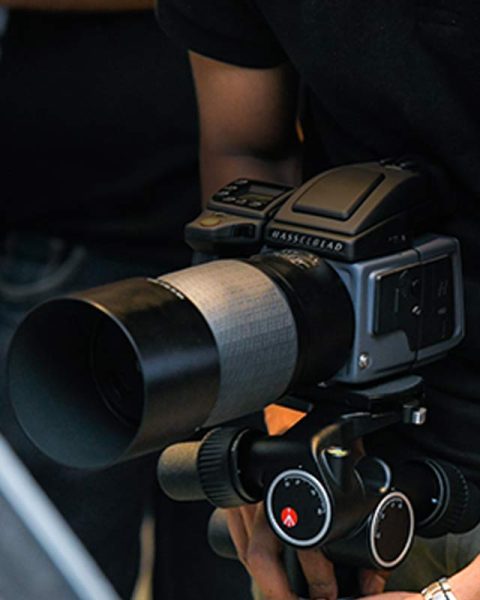
Professional camera systems at DCOP
Cameras

Professional camera systems

Students learn camera craft by working with still, cinema and medium-format systems rather than seeing equipment only in demonstrations.

  • Medium-format exposure
  • Professional still cameras
  • Cinema-camera workflows
CanonNikonSonyFujifilmLeicaHasselblad
Before you enrol

Course fee and details.

Batch dates, fees, offers and equipment requirements can change. Confirm the current information with admissions before making a payment.

Course feeContact usConfirm with admissions · Professional software course · Delhi
What does DCOP's Professional Audio and Video Editing course cover?

It moves from Adobe Premiere Pro fundamentals, timelines, trimming and export into audio editing, voice-over, multicamera work, reels, motion graphics, masking, speed ramping and colour grading.

Which video editing software is taught in this course?

Adobe Premiere Pro is the main platform named in the prospectus, used for picture editing, audio workflows, multicamera projects, motion, text, colour and export.

Is the DCOP video editing course suitable for beginners?

The curriculum begins with the Premiere Pro interface, workspaces, shortcuts and timelines before more advanced workflows. Ask admissions what computer knowledge is expected.

Does the course include audio editing and colour grading?

Yes. It includes music and vocal editing, sound effects, voice-over, synchronisation, Lumetri scopes, colour correction, matching and grading.

Will I learn reels, podcasts and multicamera video editing?

Yes. Topics include multicamera podcast editing, multi-frame reels, keyframing, lip-sync, timelapse, hyperlapse and stop motion.

What computer or software do I need?

Confirm the required computer specification, Adobe Premiere Pro licence, storage and practice media with admissions before enrolling.

What are the current course duration, fee and batch dates?

These are not stated in the supplied data. Contact admissions for the current duration, fee, schedule and certificate requirements.
Other courses at DCOP

Continue exploring photography and filmmaking courses.

Creator's Pro at DCOP
Professional creator programme

Creator's Pro

A 12-month, four-semester journey through photography, commercial image-making, filmmaking and post-production.

Quick view →
Foundation Pro at DCOP
Short term - weekend

Foundation Pro

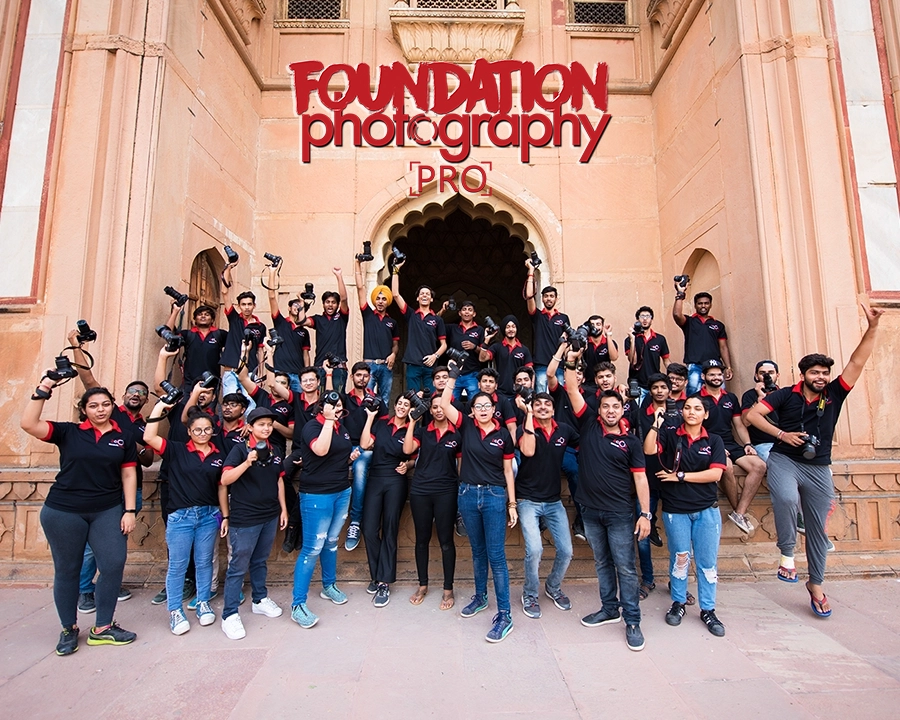
A career-focused 16-class introduction to photography and filmmaking for emerging creators.

Quick view →
Professional Audio & Video Editing at DCOP
Professional video editing course

Video Editing

Master Adobe Premiere Pro, audio editing, multicamera workflows, motion graphics and colour grading.

Quick view →
Fashion Photography at DCOP
Specialist photography course

Fashion Photography

Learn fashion concepts, professional lighting, model direction, styling and portfolio-led shoots.

Quick view →
Foundation Photography at DCOP
Beginner photography course

Foundation Photography

A four-week beginner photography course covering camera controls, exposure, lenses, composition, white balance and an outdoor photowalk.

Quick view →
Commercial Filmmaking at DCOP
Professional commercial filmmaking course

Commercial Filmmaking

Develop commercial filmmaking skills from script and production through camera, sound, editing and final project.

Quick view →
Product & Food Photography at DCOP
Specialist photography course

Product & Food

Learn styling, lighting and commercial workflows for food, products, jewellery, glass and beverages.

Quick view →
Interior & Architecture Photography at DCOP
Specialist photography course

Interior & Architecture

Photograph interiors and architecture using location planning, perspective, available light and controlled post-production.

Quick view →
Photo Editing at DCOP
Photo editing course

Photo Editing

A focused two-week programme in Photoshop, retouching, compositing and creative image editing.

Quick view →
Astro & Landscape Photography at DCOP
Location photography course

Astro & Landscape

Learn landscape, long-exposure and night-sky photography through specialist technique and location practice.

Quick view →
Admissions enquiry

Request Video Editing course details.

Ask about the next batch, current fees, campus schedule, accommodation and equipment before you apply.

We’ll use these details only to respond to your enquiry.

CallWhatsApp
Course counselling

Find the right course for your goals.

Share your details and the DCOP admissions team will help you compare courses, fees, schedules and upcoming batches.

We’ll use these details only to respond to your enquiry.